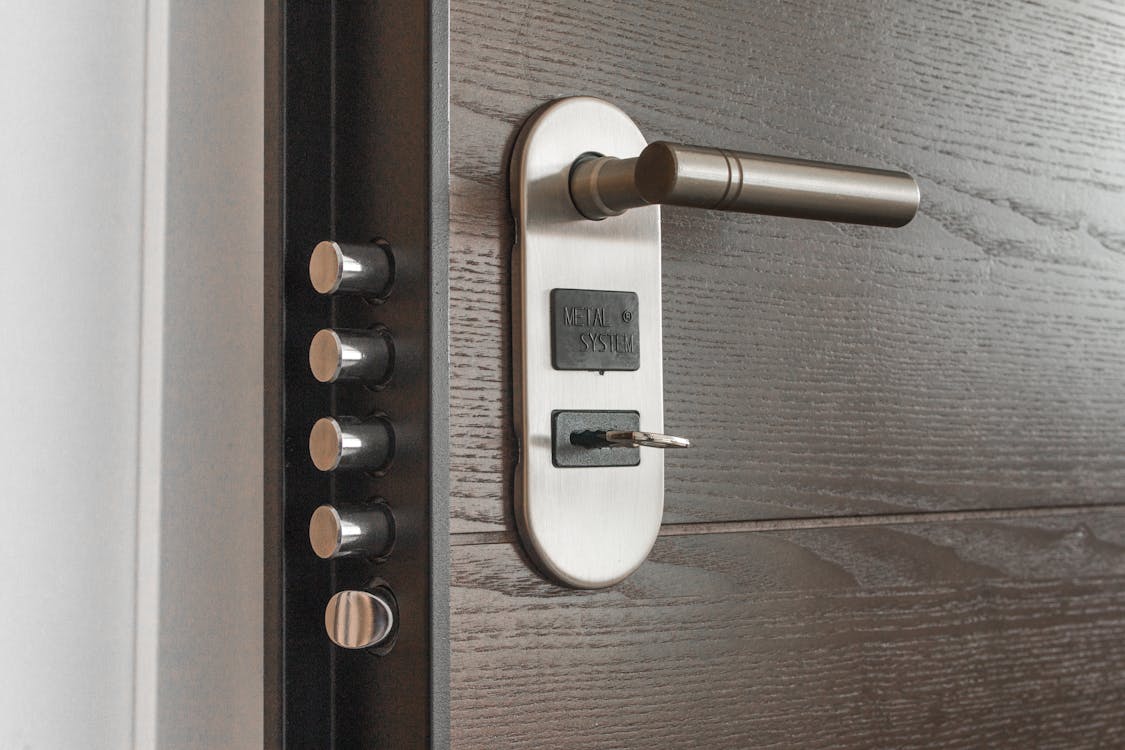
Self check-in is one of the most requested amenities on Airbnb, and one of the most common sources of bad reviews when it goes wrong. A guest standing outside a locked door at midnight does not care how convenient the system is for you. This guide walks through setting it up so it works every time.
Step 1: Choose your access method
There are three realistic options for most hosts:
- Key safe or lockbox — cheap and reliable, no batteries or Wi-Fi. The weakness is the code: it is usually the same for every guest unless you change it manually after each stay.
- Smart lock with a keypad — each guest gets their own code that only works during their stay. Nothing to change between bookings if your software handles it, and you can let someone in remotely.
- Building entry plus room door — common for apartments and multi-room properties. You need a plan for both doors: a code for the front door and a code or key for the unit.
If you have more than one listing or frequent same-day turnovers, a smart lock usually pays for itself in time saved and codes you no longer need to change by hand.
Step 2: Give every stay its own code
The single biggest security risk in self check-in is a code that never changes. Past guests, past cleaners and anyone they shared it with can still get in. Use a unique code per booking that starts working before arrival and stops at checkout.
Doing this manually is error-prone. Property management software connected to your lock can create the code when the booking comes in and remove it after the guest leaves. In TIOO's self check-in setup, for example, a TTLock code is created for each stay and expires automatically at checkout.
Step 3: Collect guest details before arrival
Self check-in should not mean you know nothing about who is arriving. An online check-in form lets guests confirm their name, phone number, estimated arrival time and, where you need it, ID or car registration. You get the information you need; they get the arrival instructions once they have completed it.
Step 4: Send instructions at the right moment
Instructions sent a week early get lost in an inbox. Instructions sent at 9pm on arrival day cause panic. A good rhythm is:
- At booking: a short welcome message and a link to online check-in.
- A day or two before arrival: directions, parking and what to expect at the door.
- From check-in time: the door code itself, in one place the guest can find again.
A guest portal or digital guidebook is the easiest way to keep everything in one link instead of five separate messages.
Step 5: Plan for when things fail
Batteries die, Wi-Fi drops and guests type codes wrong. Before you rely on self check-in, make sure you have:
- A remote unlock option, or a backup key safe with a separate code.
- A phone number guests can call that someone will actually answer.
- Low-battery alerts from your lock, and a habit of replacing batteries at every deep clean.
Step 6: Know when guests have arrived
One under-rated benefit of smart locks is arrival detection. When a guest first uses their code, your software can mark the booking as arrived and notify you — so you are not left wondering whether they got in, and you can follow up if nobody shows up.
The short version
Pick an access method that suits your property, give each stay its own code, collect details before arrival, and keep instructions in one place. If you want this to run without manual work, set up self check-in with TIOO — it works with TTLock smart locks and with key safes, and it is free for your first two rooms.