Cleaning is the single most-mentioned topic in short-term rental reviews. According to AirDNA's review research, "cleanliness" is referenced in roughly 60% of all reviews — positive or negative — across major platforms. A property that consistently scores 4.9 on cleanliness gets meaningfully more bookings at higher rates than the same property scoring 4.5. The cleanliness score is also the single hardest score to recover once it slips, because once a guest mentions a cleanliness issue in a review, every subsequent browser sees it.
The problem is that cleaning quality is invisible to the host until a guest complains. By then, three or four other guests have already had the same experience and may have left, or be about to leave, similar feedback. The fix is not to micromanage your cleaners; it is to introduce a simple verification loop that catches issues before guests do.
This article covers how to implement cleaner photo verification, the specific photos that catch the most issues, how to roll it out without alienating your team, and how the photo trail also defends you against unfair guest complaints.
Why Photo Verification Works
Three things change when cleaners know they need to upload photos at the end of every turnover:
- Quality lifts immediately, even before you review the photos. The act of having to photograph the made bed, the wiped counter, the polished mirror creates a self-check loop that catches the half-finished job before it becomes a guest complaint.
- You catch real issues in time to fix them. A photo of a stained towel before the guest arrives is a 10-minute problem. A guest message about a stained towel during their stay is a refund risk and a likely review hit.
- You build a quality baseline you can reference. The photos from each turnover create a visual history of what "good" looks like for each property — useful for training new cleaners, useful for identifying gradual quality drift, useful for comparing properties.
The downside is essentially zero — modern cleaners already use smartphones constantly, and a structured photo upload typically adds 5-10 minutes to a turnover. The compounding upside on review scores and dispute defence is large.
The Photo Checklist That Catches the Most Issues
Asking cleaners for "some photos when you finish" produces inconsistent uploads and misses the issues that matter. A specific checklist works better. The minimum essential photos:
- Made bed (each bedroom) — bedding straight, pillows aligned, cushions arranged. Catches lazy bed-making and missed linen changes.
- Bathroom mirror — visible streaks or watermarks are immediately obvious in a photo. Forces proper polishing.
- Toilet — interior of bowl, behind the seat. Catches the most-skipped corner of any cleaning job.
- Shower/bath — wall corners, drain area, taps. Limescale and soap scum are visible to camera.
- Kitchen counter — clear, dry, wiped. Catches forgotten crumbs and dish residue.
- Hob/cooker — burners and surrounding surface. The single most-forgotten cleaning area in turnover work.
- Inside oven (if available) — at least monthly, more often if used heavily by guests.
- Inside fridge — confirms it has been emptied, wiped, and any guest leftovers removed.
- Floors (each room) — wide-angle shot showing the full floor. Catches missed vacuuming.
- Welcome amenities placed (if part of your service) — coffee, tea, biscuits, soap, towels.
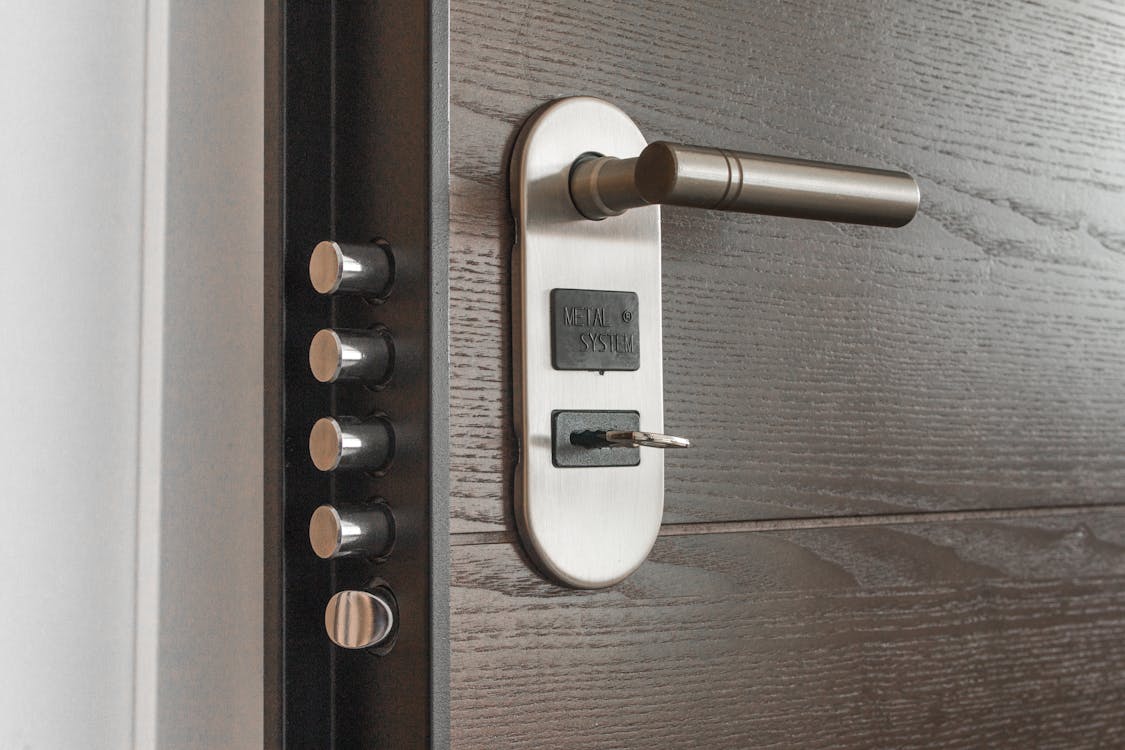
- Front door / entrance — confirms the cleaner reached the property and that it has been left secure.
For most properties, this is 11-15 photos per turnover. A cleaner can upload all of them through a structured form in under 5 minutes if the workflow is well-designed.
Implementation: How to Roll It Out
The biggest implementation mistake is announcing a new requirement without explaining the why. Cleaners — especially ones who have been doing the job for years — interpret photo uploads as surveillance and resist accordingly.
The framing that works:
- "We are introducing this to defend you." When a guest claims something was not cleaned, the photo trail is the cleaner's defence as much as the host's. Most cleaners have been on the receiving end of unfair complaints; this directly addresses that.
- "It also helps us catch our own mistakes." Properties go wrong in ways that have nothing to do with the cleaner — broken kettles, pets messing up rugs, previous guests leaving damage. Photos show what state the property was actually in when the cleaner arrived and left.
- "It will not change your pay rate." Address the unspoken concern up front. The few minutes of photo time is part of the existing turnover scope, not a new unpaid requirement.
- Pilot with one cleaner first. Get the workflow right with a willing collaborator before rolling out to the whole team.
Use a workflow that makes uploading easy. A cleaning module with built-in photo upload through the cleaner's smartphone is the right shape — the cleaner sees a checklist, taps each photo prompt, and the system attaches all images to the specific turnover. Asking cleaners to email photos or send them via WhatsApp creates friction that erodes compliance within weeks.
Reviewing the Photos: What to Look For
You do not need to review every photo of every turnover. A weekly spot check of one or two random turnovers per property is enough to catch quality drift. What to look for:
- Bed-making consistency — does the linen lie flat, are pillows aligned, are throws straight
- Surface cleanliness — visible smears, residue, dust on photographed surfaces
- Bathroom standards — mirror streaks, limescale, towel placement
- Welcome details — are amenities placed if expected, in the right amounts and the right places
- Comparison over time — does property A consistently look better than property B even with similar usage; does cleaner X consistently produce better photos than cleaner Y
The data is genuinely informative. Many hosts discover patterns they had not noticed: that one specific cleaner consistently rushes Sunday turnovers, that a particular property is harder to clean than it looks, that a specific room is a quality blind spot.
Defending Against Unfair Guest Complaints
Roughly one in 50 guest complaints is genuinely fraudulent or exaggerated — guests claiming dirty conditions to extract a refund, or post-stay complaints fabricated for review-leverage. Without photo evidence, your only defence is your word against theirs, and OTAs typically side with the guest.
With timestamped photos showing the property in cleaned state on the morning of arrival, you have:
- Defence in OTA refund disputes — Booking.com and Airbnb both accept photo evidence in their resolution process
- Documentation for damage claims — comparing pre- and post-stay photos surfaces what the guest actually changed
- Confidence to push back — knowing your operational records are solid changes how you reply to unfair complaints
For broader review-management framework when issues do occur, see our negative review response guide.
Operational Adjacencies
Photo verification works best as part of a broader operational rhythm:
- Combine with cleaner check-in/out timestamps — captures duration, alongside the photos, to surface unusually fast or slow cleans that warrant a closer look
- Pair with consumable inventory tracking — cleaner notes what supplies need replenishment alongside the photo upload
- Feed into cleaner performance reports — quarterly review of photo quality, on-time completion, supply notes per cleaner
- Cross-reference with guest feedback — if multiple guests at one property mention the same cleanliness issue, the photo archive shows whether the issue was present at handover or arose during the stay
For the broader cleaning operations that this fits into, see our turnover cleaning guide. For the wider operational case for investing in cleaning quality, our maintenance workflows guide covers a parallel discipline.
Bottom Line
Cleaning photo verification is the rare operational change that takes weeks to implement, costs effectively nothing, and pays back in lifted review scores, defence against unfair complaints, and consistent quality across a growing portfolio. The hosts who treat it as a discipline — not a one-off rollout — pull ahead of competitors who rely on hope and the occasional inspection visit.
For the platform infrastructure that makes this practical at scale, our cleaning workflow tools integrate the photo upload directly into each turnover, with the resulting archive available for spot checks, dispute defence, and performance review.